
In this article, you’ll learn how to use the AI-powered inventory app, www.ShopStockAI.com we’ve developed for contractors.
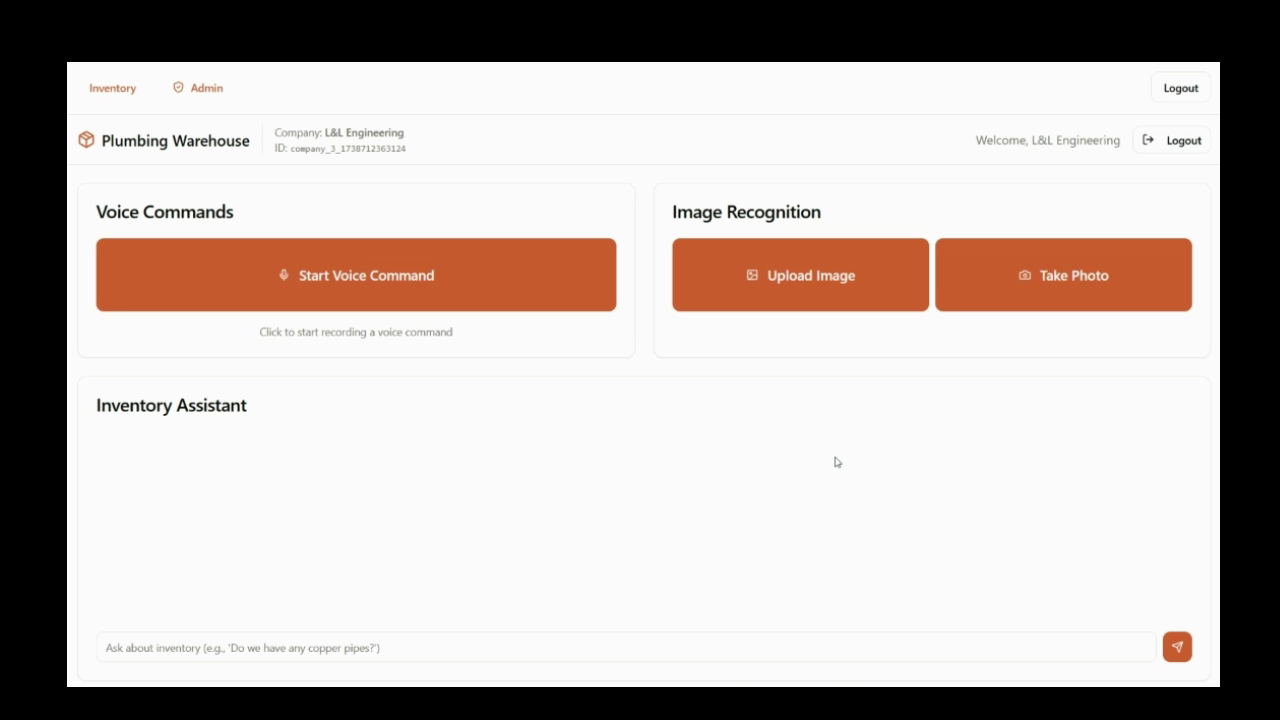
Step 1: Begin by adding or removing items from your inventory. The first method involves using a voice command. Simply press the button and speak your command in natural language. For example, say “Add eight four inch PVC Ts.” The app listens to your command, converts it to text, and adds the item to your inventory.
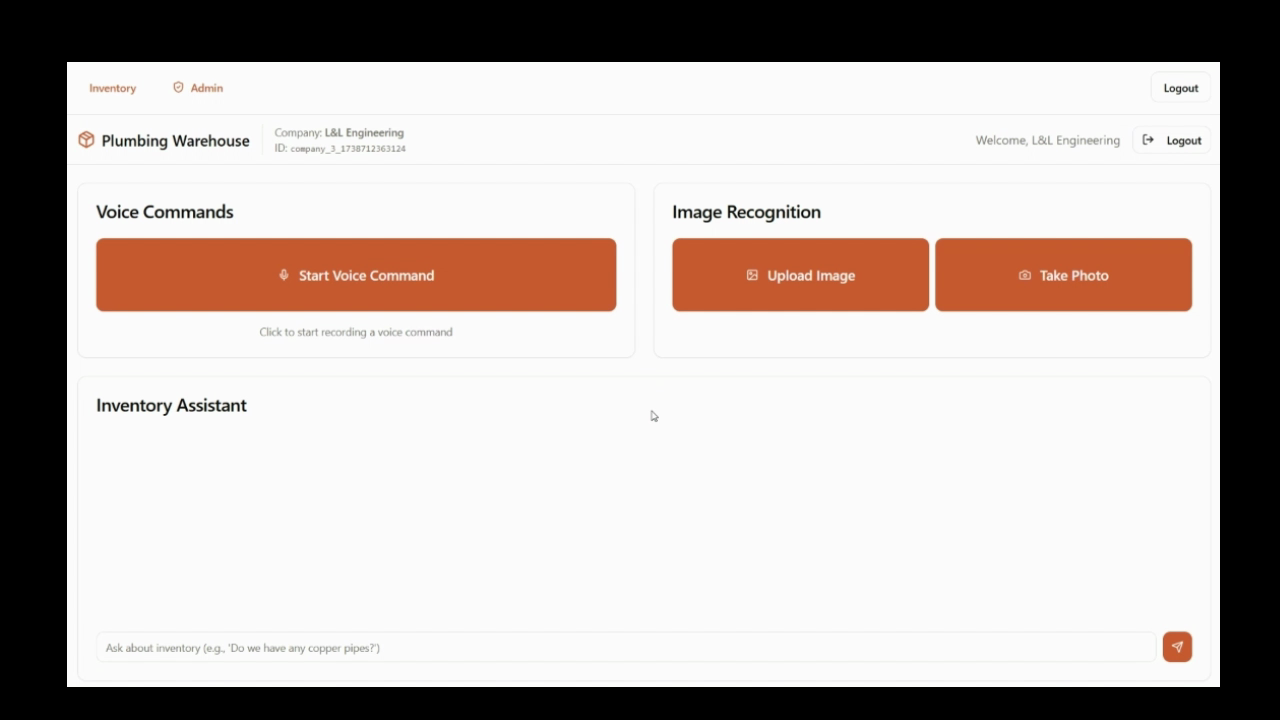
Step 2: Alternatively, you’re able to upload an image. The AI will recognize the items in the image. For instance, if you upload an image of a PVC Y fitting, the app will identify it. However, the size detection isn’t always accurate, so you’ll need to manually adjust that.
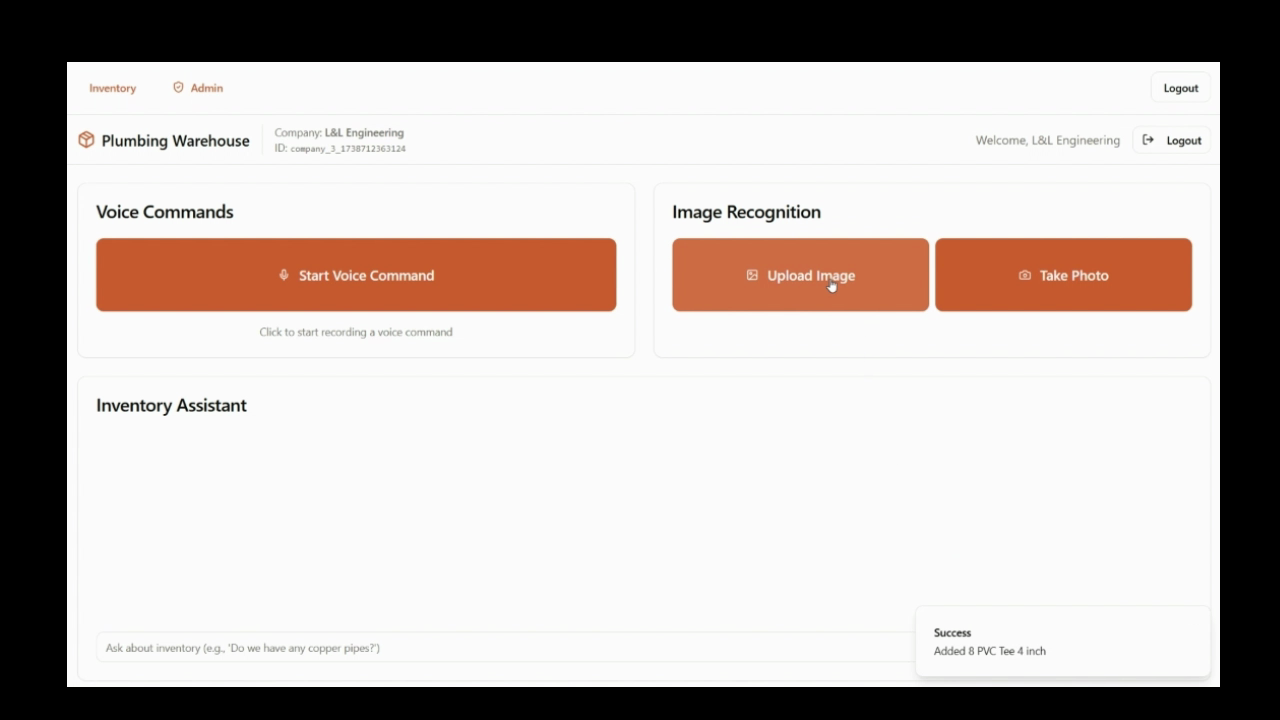
Step 3: Next, input the quantity of the item. For example, if you have ten PVC Y fittings, input “10” in the quantity field.
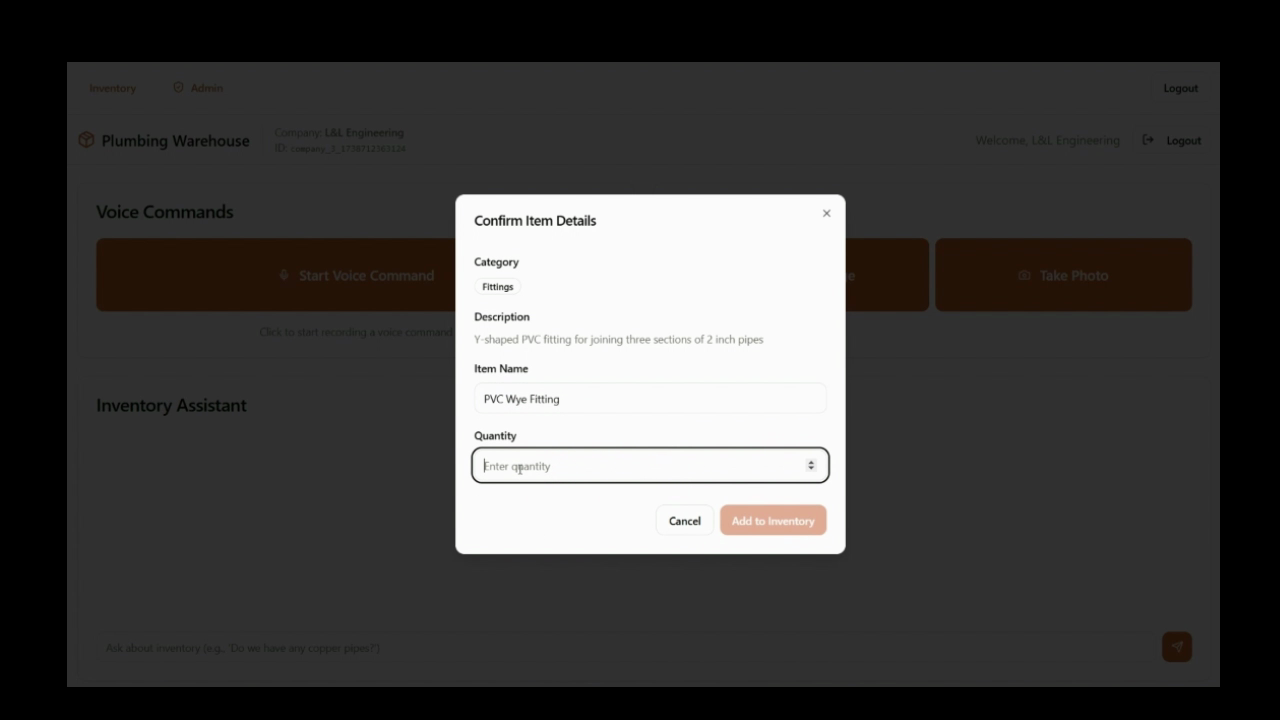
Step 4: After entering the quantity, scroll down to the table where you’ll see the item and its quantity. Here, you can adjust the fitting size if necessary.
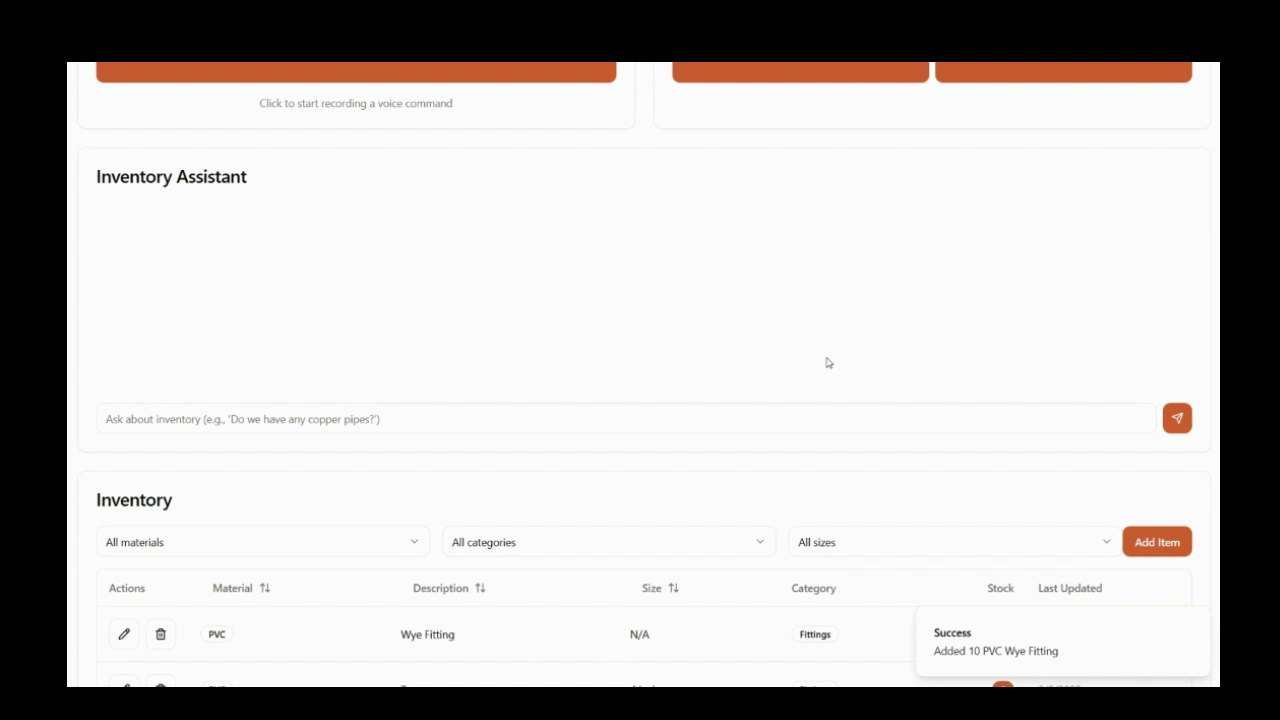
Step 5: Once you’ve made all necessary changes, hit save.
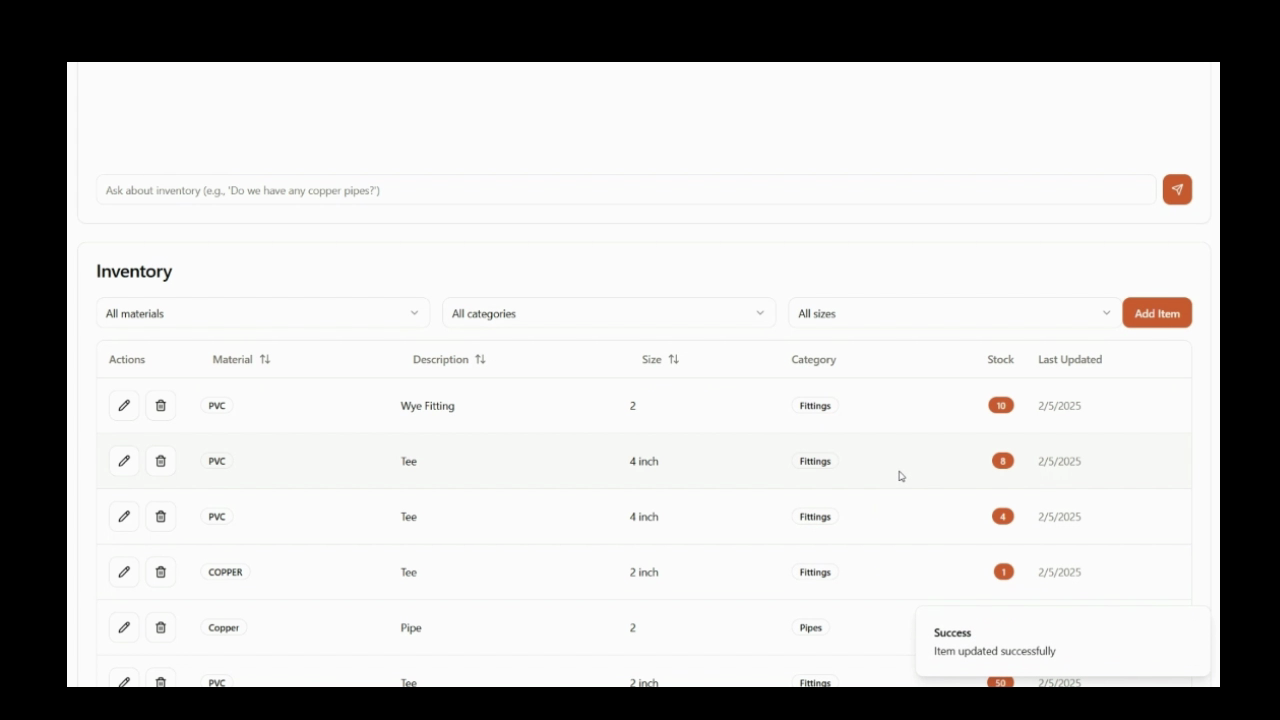
Bonus Feature: The app also allows you to query your inventory. For example, if you ask “how many PVC Y fittings do I have?”, the app will respond with the quantity in your inventory.

 L&L Engineering
Leave a reply to How AI is Solving a Common Plumbing Inventory Problem – L&L Engineering Cancel reply